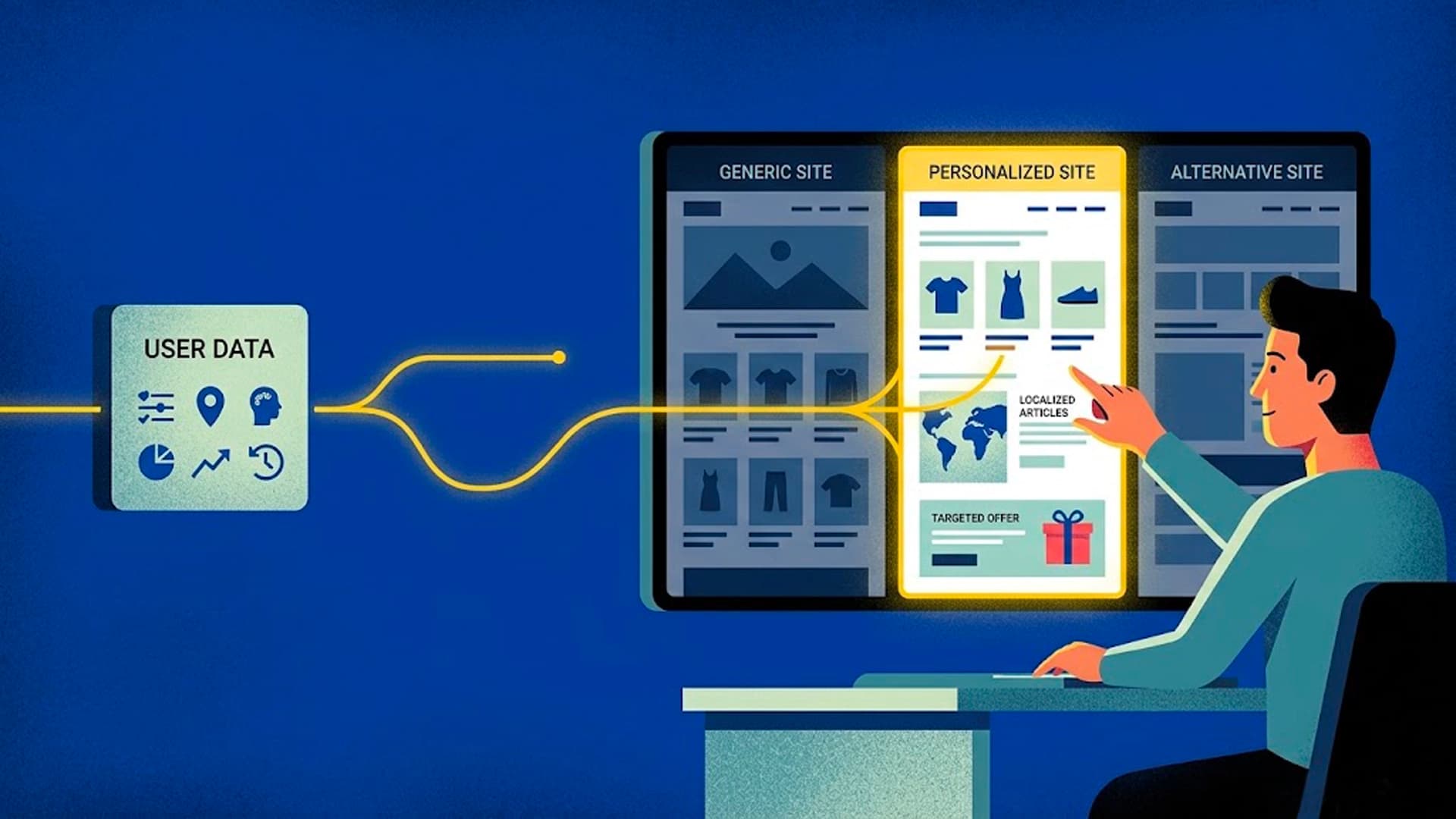
Every visitor who lands on your website arrives with a different job to do.
A freelance designer looking for a portfolio tool. A head of marketing at a 50-person SaaS company trying to reduce churn. A small business owner who's never heard of your category and just wants to know if this thing will work for them.
Your website, almost certainly, says the same thing to all three.
That's the problem website personalization solves.
What is website personalization?
Website personalization is the practice of showing different content to different visitors based on who they are or what they're looking for — so that each person sees a version of your site that feels relevant to them specifically.
At its simplest, this might mean showing a different headline to a returning customer than to a first-time visitor. At its most sophisticated, it means rewriting your entire page in real time based on what a visitor tells you they need.
The goal is always the same: close the gap between what your website says and what each individual visitor actually wants to hear.
Why static websites underperform
Traditional websites are built for an imaginary average visitor — someone who represents no one in particular. The headline is written to be inoffensive to everyone, which usually means it's compelling to no one.
The result: high bounce rates, low conversion, and a lot of visitors who leave because they couldn't quickly see that your product was relevant to them.
This isn't a copywriting problem. It's a structural one. A single static page simply cannot speak to the full range of people who might land on it.
How personalization has worked (until now)
For most of its history, website personalization has been the preserve of large companies with engineering resources. The approaches have included:
Audience segmentation — showing different page variants to visitors based on where they came from (a paid ad, a specific region, a referring site). Effective but limited: you're still writing a handful of variants for assumed groups, not responding to what individual visitors actually want.
A/B testing — running controlled experiments to find which of two or three variants converts better. Useful for optimization, but it's about picking a winner from pre-written options, not about responding to individuals.
Rule-based personalization — showing content based on known attributes (logged-in vs. anonymous, geographic location, device type). Again, useful, but it requires engineering work and produces a finite set of variants.
All of these approaches share the same limitation: someone has to predict in advance what each type of visitor wants, and write content for that prediction. They're better than nothing, but they're still guessing.
AI-powered personalization: responding instead of predicting
The shift that AI makes possible is moving from predicting what visitors want to simply asking them — and then responding in real time.
Rather than maintaining a library of variants for imagined segments, an AI personalization tool can take what a visitor actually tells you they're looking for and rewrite your page content to match. Immediately. Without a page reload.
This means every visitor gets a version of your site that responds to their specific situation — not a best-guess approximation based on which segment they've been placed in.
The practical result: your conversion rate improves because more visitors immediately see content that's relevant to them. The headline they read isn't written for a fictional average customer — it's written for them.
What does this look like in practice?
A visitor lands on your homepage. A lightweight interface asks: "What are you looking for today?" They type a short response — maybe "I run an ecommerce store and I want to improve my product page conversions."
Your headline, body copy, and call-to-action instantly rewrite to speak directly to that use case. The features highlighted are the ones relevant to ecommerce. The language mirrors theirs.
Another visitor comes through and says they're a freelancer building a client site. They see a completely different version of the same page — same product, same URL, different framing.
Neither visitor had to work to understand whether your product was relevant to them. You told them immediately, in their own terms.
Who benefits most from website personalization?
Personalization delivers the clearest results for:
- Businesses with a broad audience — if your product serves multiple verticals or personas, personalization lets you speak specifically to each without building separate landing pages for every segment.
- High-traffic marketing sites — the more visitors you have, the more conversion lift personalization can produce. Small improvements at scale add up quickly.
- Products with a complex value proposition — if what you do isn't immediately obvious, personalization gives you a second chance to explain it in terms that resonate with each specific visitor.
- Teams without developer resources — modern AI personalization tools like Blether are designed to be set up without engineering involvement. If you can add a script tag to your site, you can have personalization running in minutes.
Getting started
You don't need a large engineering team or months of implementation work to add personalization to your website. Tools like Blether make it possible to map your existing page elements — headlines, body copy, calls-to-action — and start serving personalized content to visitors with a single script tag.
The best place to start is your highest-traffic page with the weakest conversion rate. That's where the gap between what you're saying and what visitors need to hear is costing you the most.
Blether is an AI-powered website personalization tool. Set up in minutes, no developer needed. Start for free.